


AnyLogic 9 is a browser-based model development environment with a 100% web UI. From now on, you can develop, compile, and run the model and its experiments entirely from AnyLogic Cloud.
The new version of the product is available to you if you are a registered user of the public version of AnyLogic Cloud.
- The entrance point to model creation now is AnyLogic Cloud. This is where you manage the model and its versions.
- We have redesigned the workspace, specifically the projects view and palette view, as well as the toolbar.
- The Properties view has also undergone significant changes along with everything else, and now you can draw space markup elements directly from the properties.
To open AnyLogic 9 from AnyLogic Cloud, you can create a new model or edit the previously created model version in the new editor.
To create a new model in AnyLogic 9:
-
Click the New model tile on the My models screen.
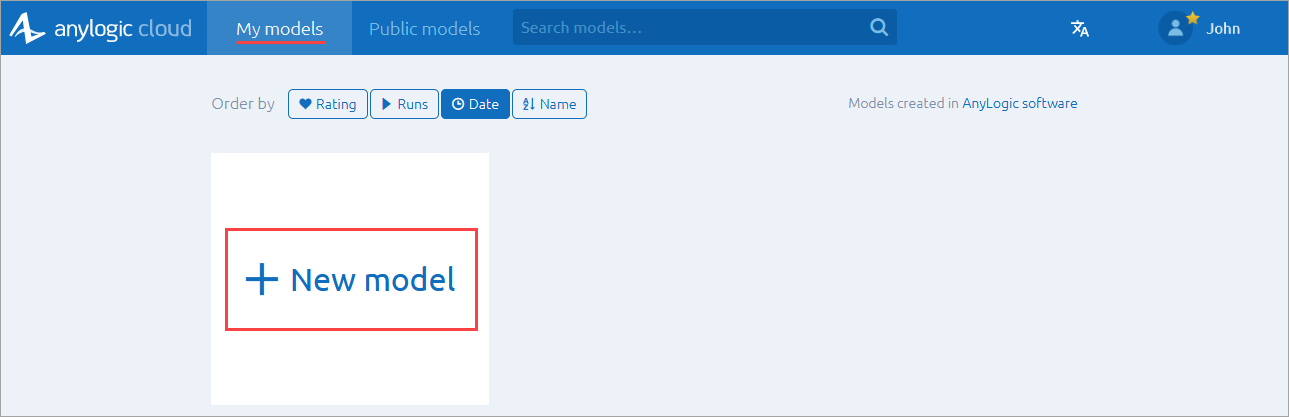
- In the subsequent dialog, enter a name for your new model.
- Click Create.
All model versions created in AnyLogic 9 are available for editing on the Versions tab of the model page in Cloud. To learn more, see the Creating and editing models article in the Cloud documentation.
-
How can we improve this article?
-