


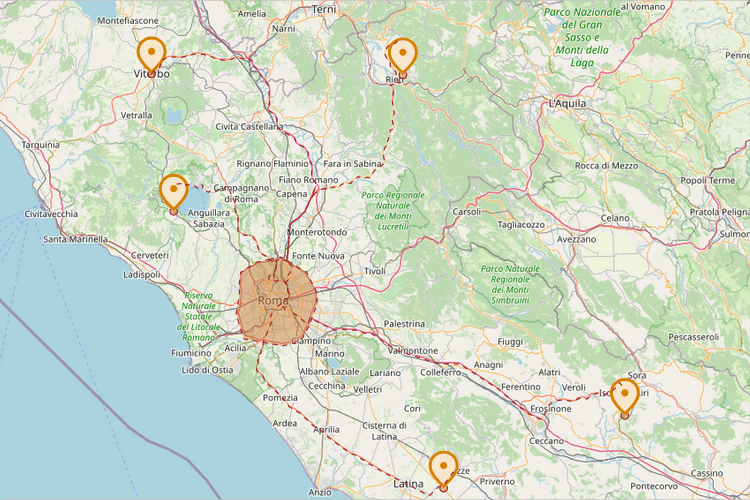
To use GIS markup elements, first add a  GIS Map to the graphical diagram.
To configure locations on the GIS map, use the following markup elements:
 GIS Point — Use this to define a city, store, or any other specific location on the map.
 GIS Route — Use this to draw routes, roads, and railway tracks.
 GIS Region — Use this to define a polygonal area on the map.
Together, GIS markup elements constitute a GIS Network.
 Route Provider — If you have several types of agents using different types of roads (trains, cars, bicycles, people), you need to add a Route Provider element to your model. It allows certain agents to use a custom road network.
-
How can we improve this article?
-